In Episode 21, we concluded our deep dive into protocol mechanics with SegWit—the milestone upgrade that separated signatures from base transactions to fix malleability and slash fees.
From Episodes 1 through 21, we learned how Bitcoin works under the hood: network topology, mining, blockchain consensus, transactions, cryptography, and digital signatures.
Today, we switch gears from theory to practice. The very first tool anyone needs before interacting with Bitcoin is a Wallet.
🧾 Where Does Your Money Actually Live?
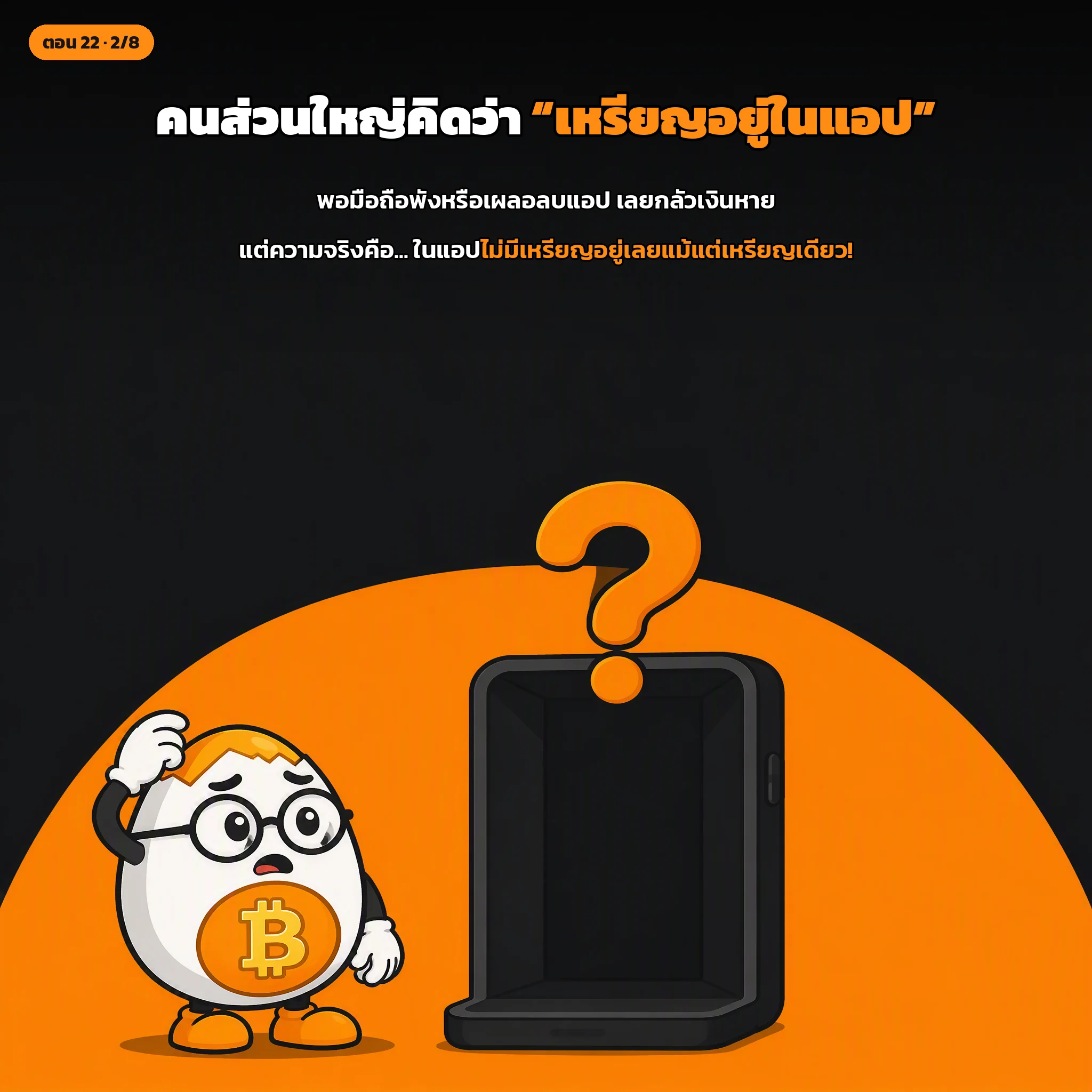
When you check your banking app, you might think “my money is inside the app.”
In reality, your money resides in the bank’s centralized databases. The app is merely a window to view balances and dispatch instructions.
Bitcoin is similar, but takes the concept even further:
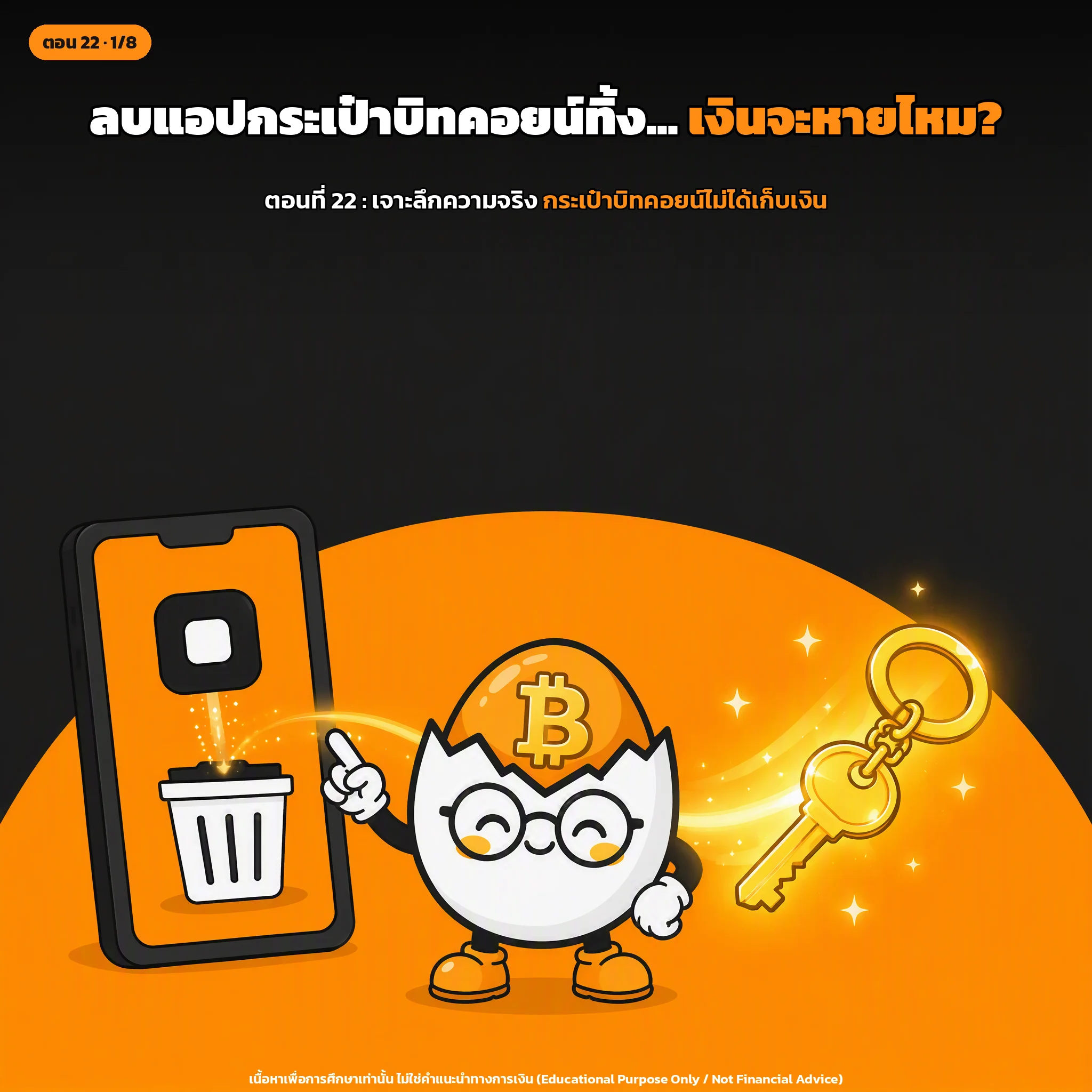
A Bitcoin wallet does not store any actual coins inside it!
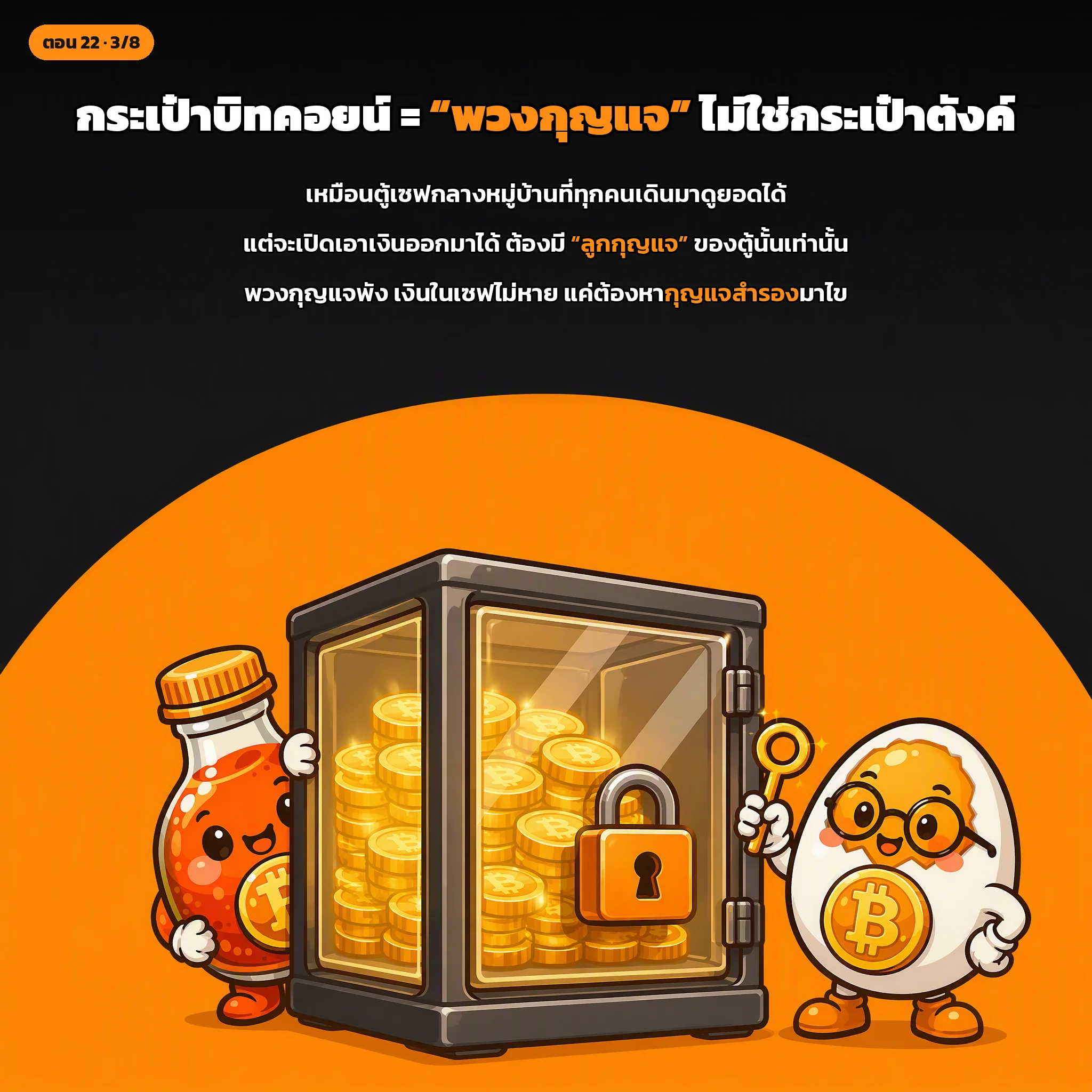
🔑 A Wallet is a Key Manager, Not a Coin Vault
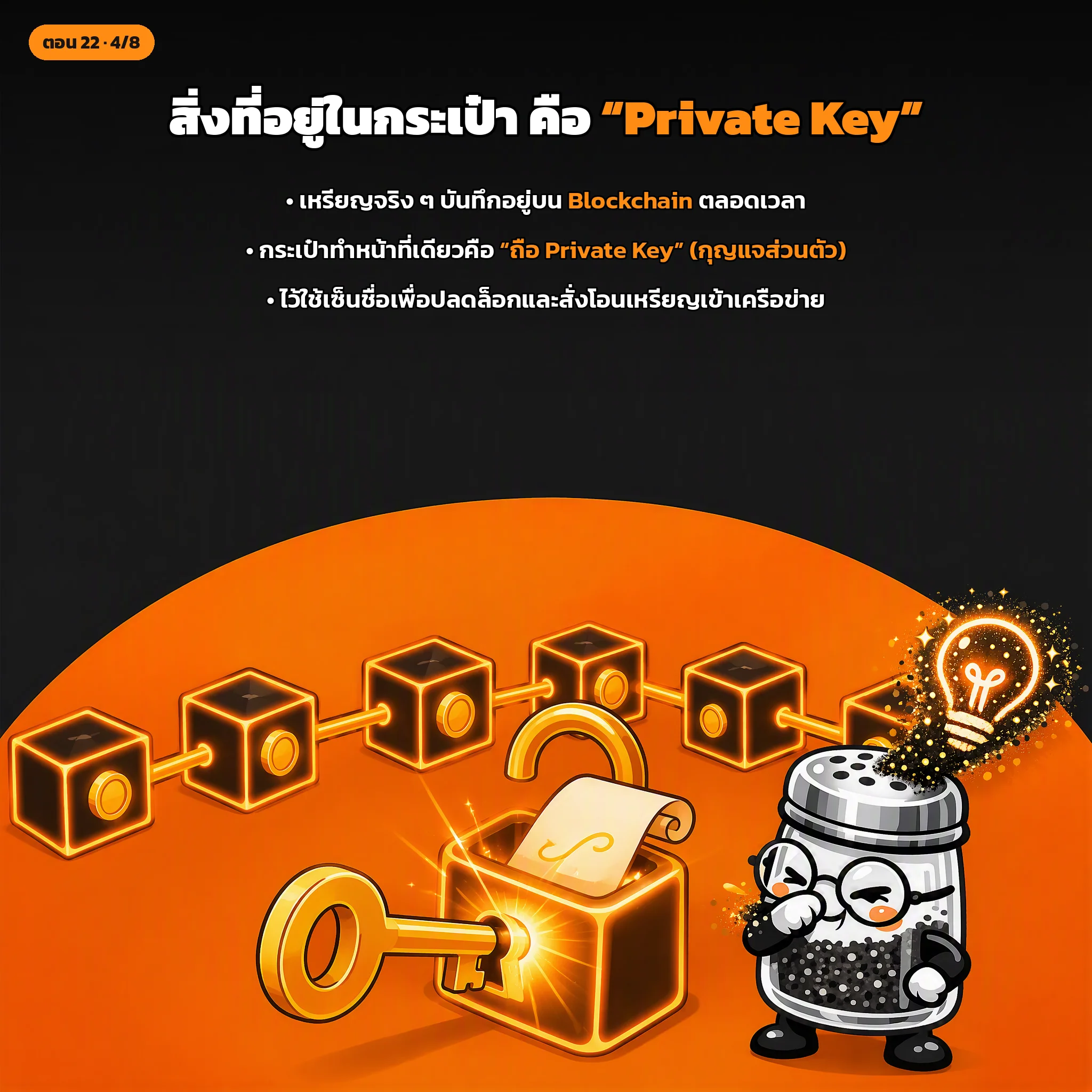
All bitcoins exist as Unspent Transaction Outputs (UTXOs) recorded on the public blockchain, cryptographically locked to recipient addresses. Ownership is determined solely by possession of the corresponding Private Key.
Therefore, a Bitcoin wallet performs three essential duties:
- Generates and stores receiving addresses (Public Keys): To receive funds from others.
- Safeguards Private Keys: Used to unlock and sign transactions when spending.
- Constructs and broadcasts transactions: Formats transactions and announces them to the peer-to-peer network.
Behind the scenes, the wallet handles all complex cryptographic operations, presenting you with a clean balance and simple Send/Receive buttons.
📱 Hot Wallets vs. Cold Wallets
Wallets are primarily divided into two categories based on internet connectivity:
1. Software Wallets (“Hot Wallets”)
- Mobile apps (iOS/Android) or desktop software connected to the internet.
- Pros: Free, intuitive, instant send/receive. Ideal for beginners and small daily spending amounts.
- Cons: Higher vulnerability to malware, clipboard hijackers, and phishing attacks because the private key resides on an online device.
2. Hardware Wallets (“Cold Wallets”)
- Dedicated physical devices (often resembling a secure USB drive).
- Private keys never leave the secure element chip inside the device.
- When making a payment, transaction data is passed into the device; signing happens entirely offline, and only the resulting signature is sent back out.
- Pros: Maximum security. Even if connected to an infected computer, attackers cannot extract the private key.
- Cons: Costs money (typically $50–$150+) and requires physical handling.
💡 The Golden Rule:
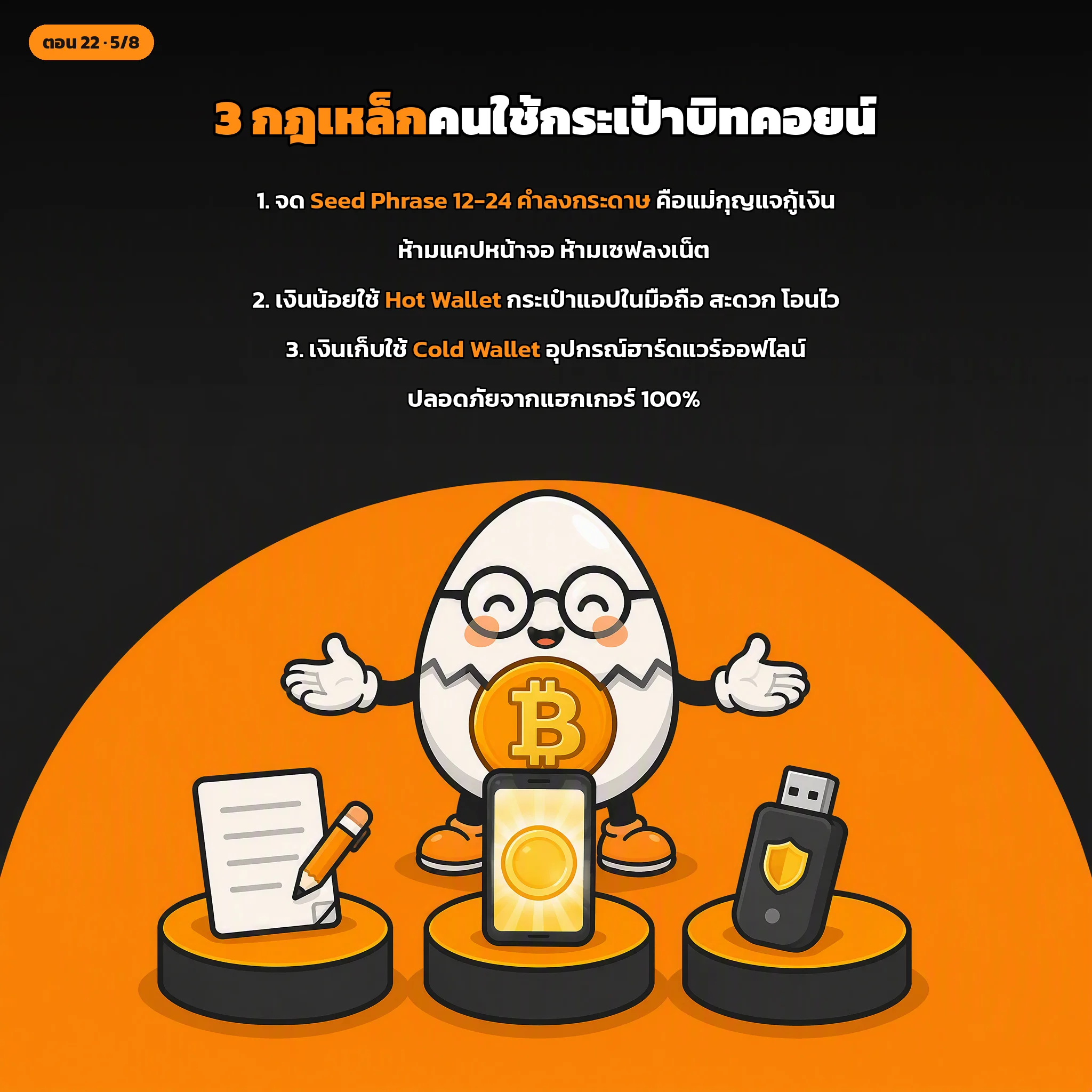
Keep small spending amounts in a Hot Wallet, and store long-term life savings in a Cold Wallet.
🛠️ Setting Up Your First Wallet: 2 Golden Steps
- Download Only from Official Websites:
Always verify URLs character by character. Fake wallet apps designed to steal your keys are prevalent in unofficial stores and sponsored search ads. - Write Down Your Seed Phrase (12 or 24 words) on Paper:
When initializing a wallet, it generates a master sequence of 12 or 24 English words. This Seed Phrase derives all your private keys and addresses.- If your phone breaks or drops in water, entering this seed into a new device restores 100% of your funds.
- However, anyone who obtains these words can instantly drain your wallet.
Seed Phrase Security Rules:
- Write it down with a pen on paper and store it securely away from fire and water.
- Never take screenshots, photographs, or type it into cloud notes/keyboards.
- No legitimate developer or support representative will ever ask for your Seed Phrase. Anyone asking is a scammer.
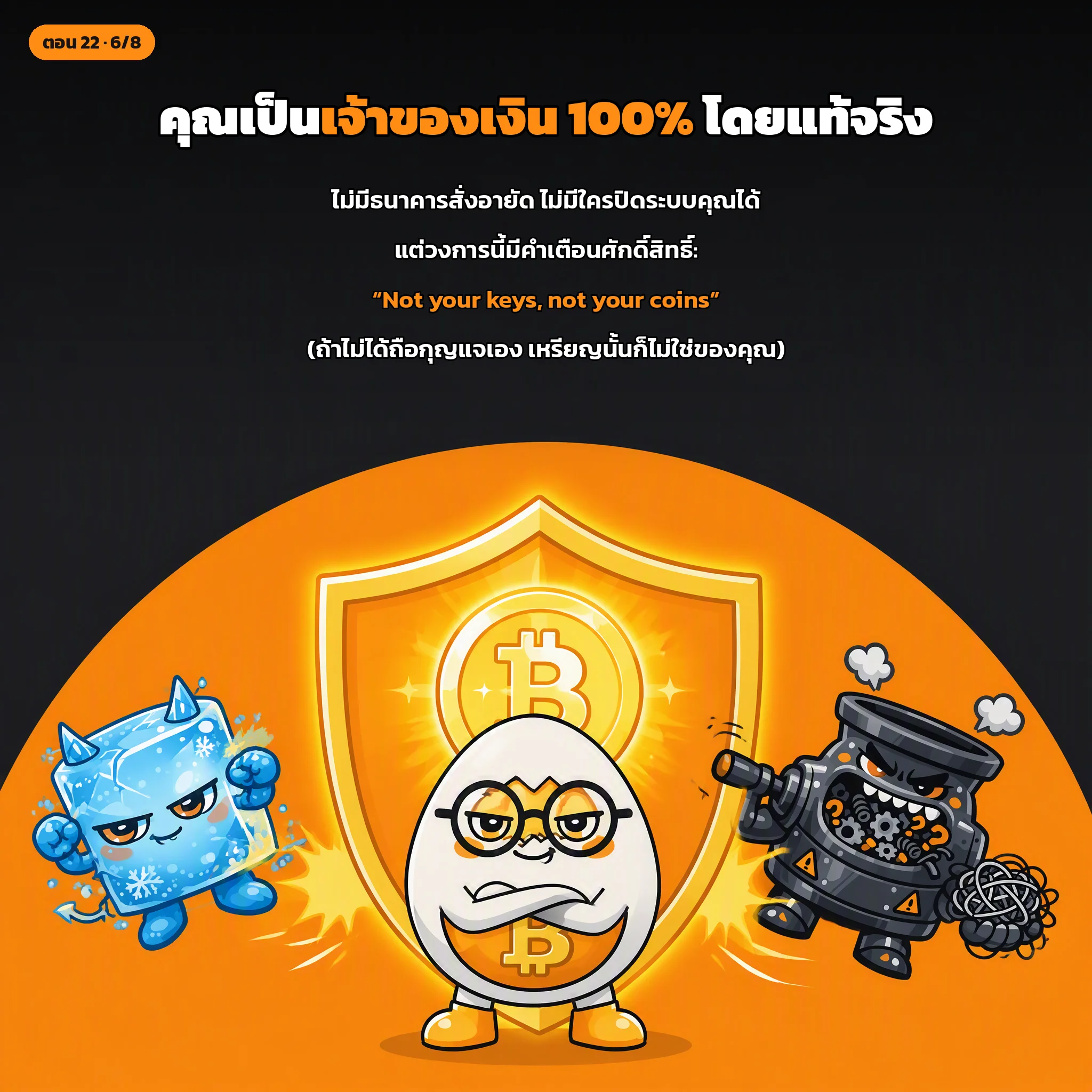
🚫 “Not Your Keys, Not Your Coins”
Leaving purchased Bitcoin on a centralized cryptocurrency exchange means the exchange controls the private keys. What you see is simply an IOU balance.
If the exchange freezes accounts, experiences regulatory shutdowns, or goes bankrupt, your access is cut off. To achieve genuine financial sovereignty, transfer your funds to a self-custodial wallet that you control.
🧠 Today's Key Takeaways
- Wallets store keys, not coins: Coins reside permanently on the blockchain; wallets manage private keys and sign transactions.
- Hot vs Cold: Use Hot Wallets (online apps) for pocket money, and Cold Wallets (offline hardware) for substantial savings.
- Seed Phrase is paramount: A 12–24 word backup allows complete recovery, but must never be stored digitally or shared.
- Not your keys, not your coins: Coins left on exchanges remain subject to third-party custody risks.
🔗 Recommended Wallets for Beginners
- Software Wallets (Hot): Electrum (electrum.org), Sparrow (sparrowwallet.com), BlueWallet (bluewallet.io)
- Hardware Wallets (Cold): Trezor (trezor.io), Ledger (ledger.com)
🔮 Next Episode:
Now that you understand how wallets manage keys, how do you actually acquire Bitcoin to put in your wallet?
Next up: Cryptocurrency Exchanges—the primary on-ramps to the Bitcoin ecosystem.